The Prime Orbit AI Terminal
Not a white-label. A trading terminal designed, written and maintained by us — so the chart, the order ticket and the AI feed all speak the same language.
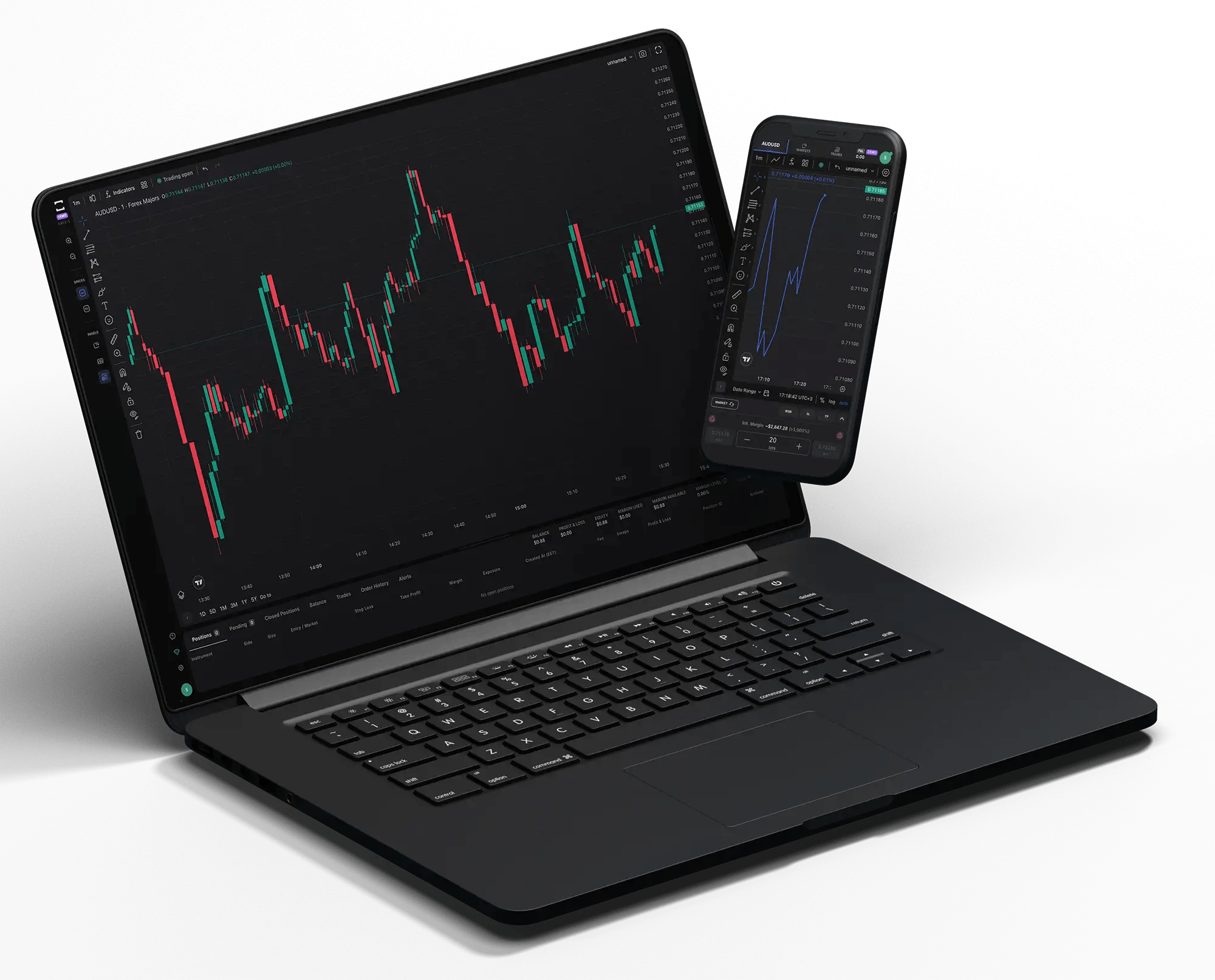
Fewer clicks to the trade, more context on screen
Every panel is dockable, every layout is saved to your account, and the whole workspace follows you from desktop to browser to phone. Open a position on one device and manage it from another without losing a single setting.
Everything you need, nothing you do not
We cut the clutter that slows traders down and kept the tools that change outcomes.
Advanced charting
80+ indicators, 21 timeframes, a complete drawing toolkit and unlimited saved layouts synced to your account.
One-click chart trading
Drag your stop, drag your target, close half a position — all directly on the chart without opening a dialog.
Built-in risk calculator
Set the percentage you are willing to risk and the ticket sizes itself against live spread and stop distance.
Smart alerts
Trigger on price, spread, volatility or an AI signal, and receive it by push, email or in-terminal toast.
Live portfolio view
Equity, free margin, exposure by currency and open P/L, updated tick by tick in a single panel.
Trade journal
Every closed position is scored automatically so you can see which setups actually pay across the month.
Multi-chart workspace
Up to sixteen synchronised charts with linked crosshairs and shared symbol switching.
Session security
Two-factor authentication, biometric unlock on mobile and a device list you can revoke at any time.
API access
REST and WebSocket endpoints for quotes, orders and account state on Orbit VIP accounts.
One account. Three ways in.
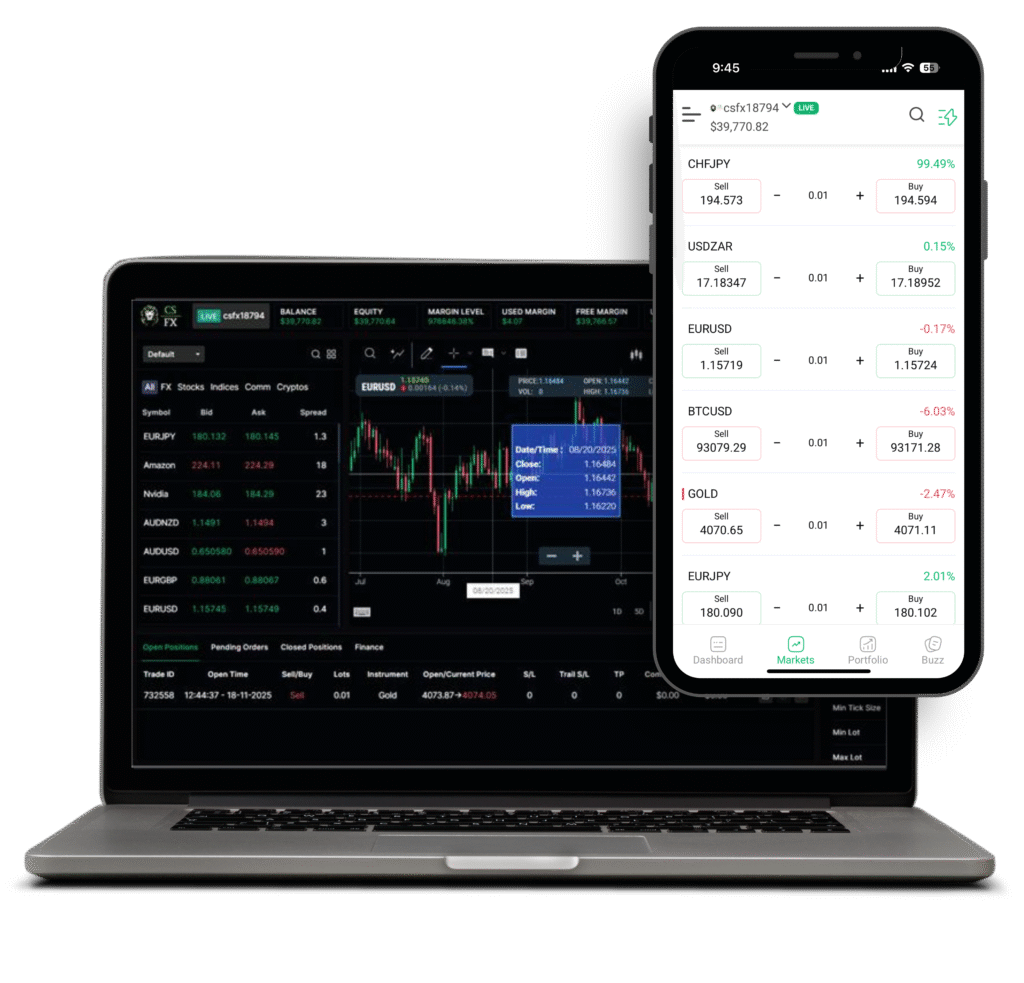
Web terminal
Nothing to install. Log in from any modern browser and your saved workspace loads exactly as you left it.
- Full charting and order management in the browser
- Works on Windows, macOS, Linux and ChromeOS
- Hardware-accelerated rendering for smooth tick charts
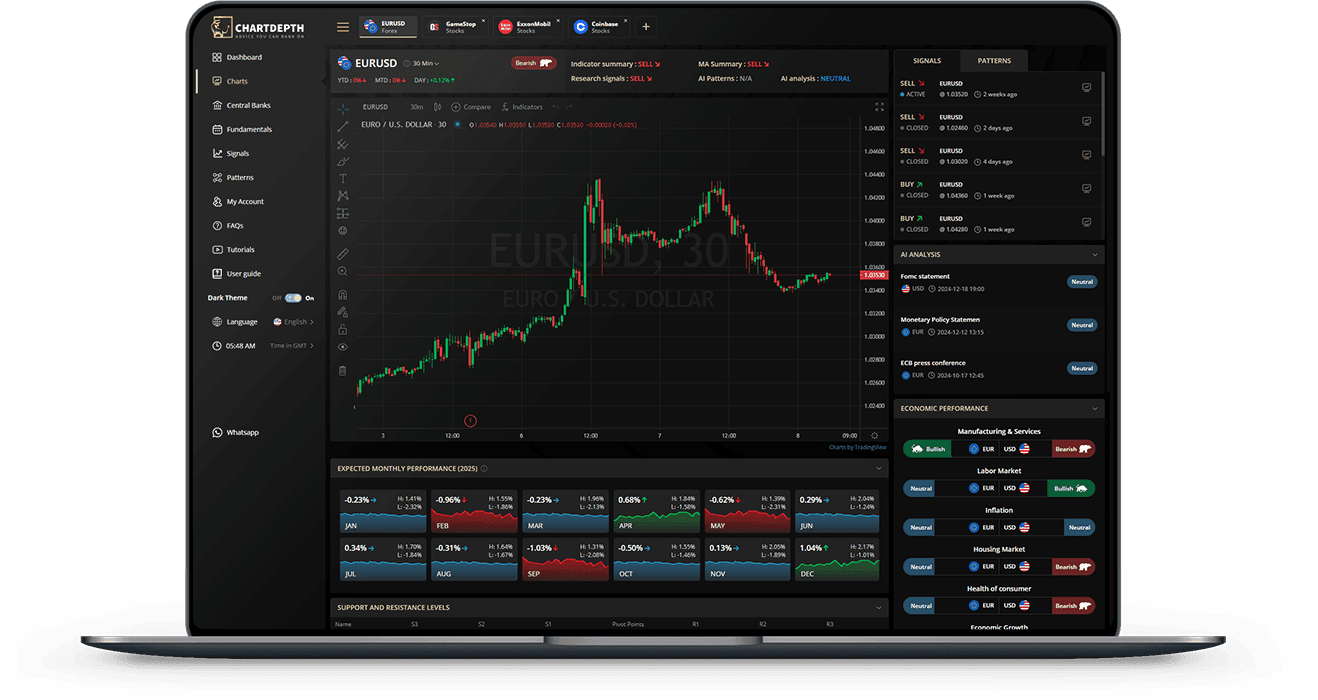
Desktop application
For traders who live in the market. Multi-monitor layouts, keyboard-driven order entry and the lowest latency path we offer.
- Up to sixteen charts across multiple displays
- Configurable hotkeys for entry, exit and reversal
- Native builds for Windows and macOS
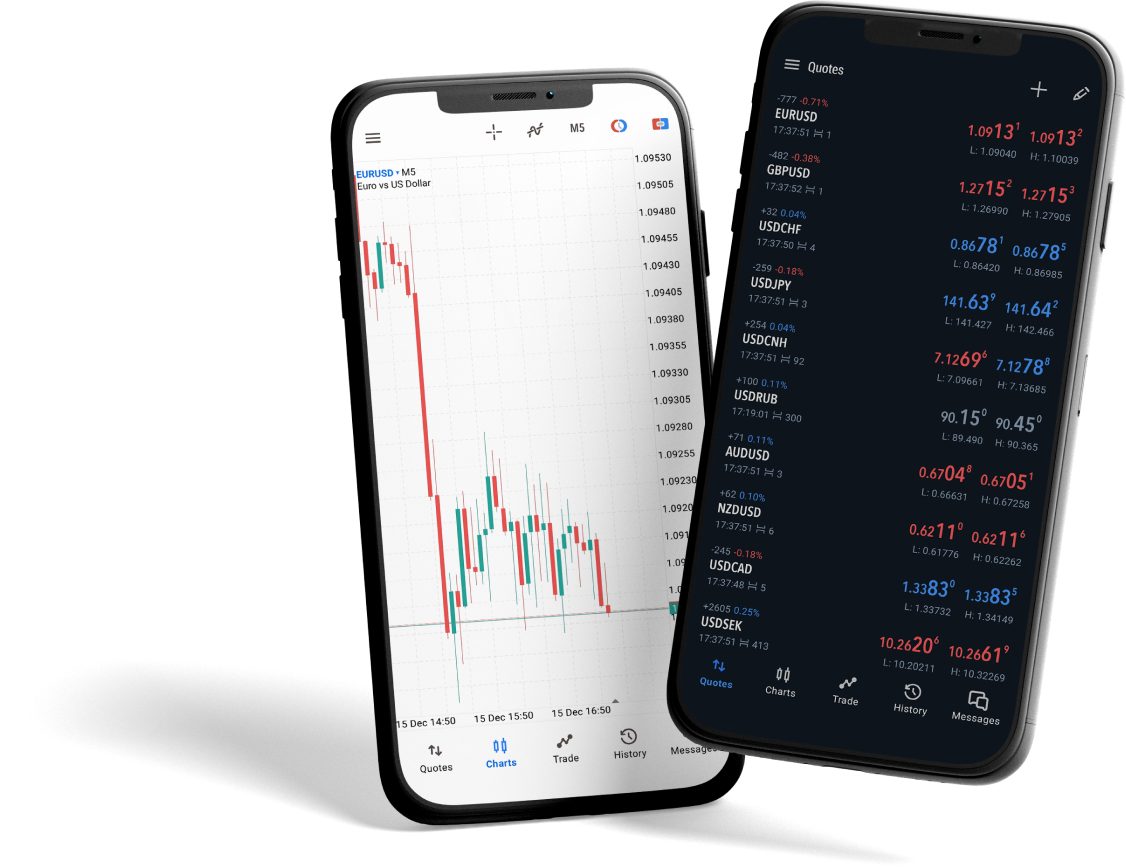
Mobile app
A full terminal, not a viewer. Place and manage any order type, read the AI feed and fund your account from your phone.
- Push alerts for fills, margin levels and signals
- Biometric login with per-device session control
- Deposits, withdrawals and document upload in-app
Order types and execution rules
Published plainly, because execution terms should never be a surprise.
| Order type | What it does | Available on | Partial fills |
|---|---|---|---|
| Market | Fills immediately at the best available price | All accounts | Yes |
| Limit | Executes only at your price or better | All accounts | Yes |
| Stop | Becomes a market order once your level trades | All accounts | Yes |
| Stop limit | Becomes a limit order once your level trades | All accounts | Yes |
| Trailing stop | Follows price by a fixed distance to lock in gains | All accounts | Yes |
| OCO | Two linked orders — filling one cancels the other | Prime ECN and VIP | Yes |
No dealing desk
Orders pass straight through to our liquidity pool. We do not take the other side of your trade.
No re-quotes
If a price is on your screen and liquidity is there, the order fills. If the market has moved, you see it instantly.
Algo friendly
Scalping, hedging and automated strategies are all permitted — no restrictions on holding time.